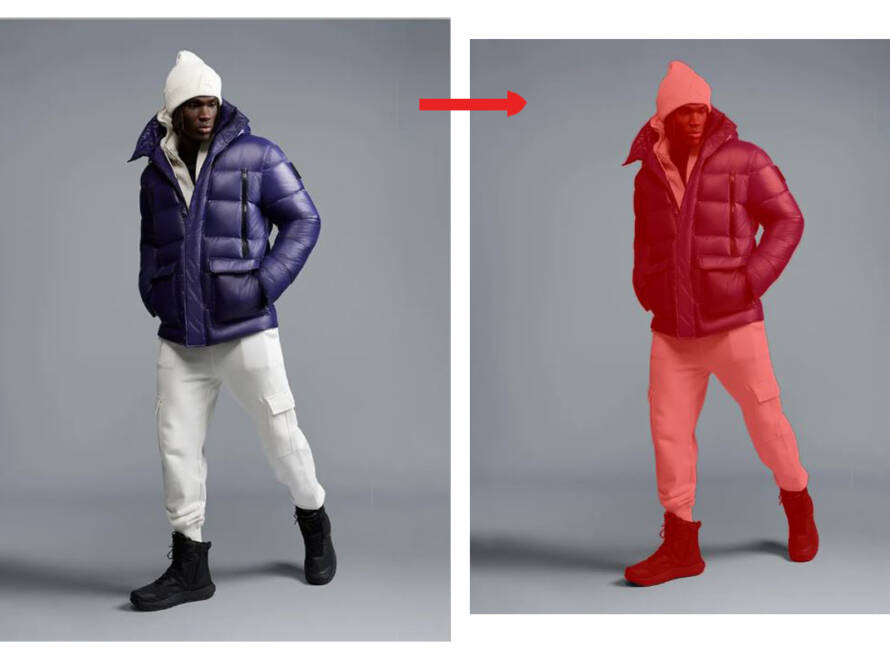
How to Customize Product Images for International eCommerce Sales

Selling products internationally requires more than translating product descriptions or changing the currency. Customers in different countries may have different expectations about product presentation, models, colors, sizing, lifestyle settings, image text, and visual communication.

A product image that performs well in one market may not create the same response in another. Cultural preferences, marketplace rules, language, device usage, and local shopping habits can all influence how customers interpret product visuals.

Customizing product images for international eCommerce sales means adapting visuals to meet the expectations of each target market while preserving the brand’s identity. This may include changing image text, replacing models, adjusting backgrounds, showing regional measurements, creating marketplace-specific versions, and preparing files in the correct formats.

International eCommerce localization goes beyond translation. It adapts the shopping experience—including language, currency, sizing, imagery, and regional expectations—to make the store feel familiar to local shoppers.

In ecommerce, your product image is your storefront.

Why Product Image Customization Matters

Product images are often the first element shoppers notice on an online store or marketplace. They help customers understand what a product looks like, how it is used, and whether it suits their needs.

Localized product images can help brands:

  • Build trust with international shoppers.

  • Make product information easier to understand.

  • Reflect local lifestyles and cultural expectations.

  • Improve marketplace visibility.

  • Reduce confusion about size, color, and product usage.

  • Support higher engagement and conversions.

  • Reduce returns caused by inaccurate expectations.

  • Create a consistent yet locally relevant brand experience.

International shoppers may hesitate when product images contain unfamiliar language, inappropriate lifestyle scenes, unclear measurements, or models who do not reflect the intended audience. Adapting the visuals helps remove these barriers.
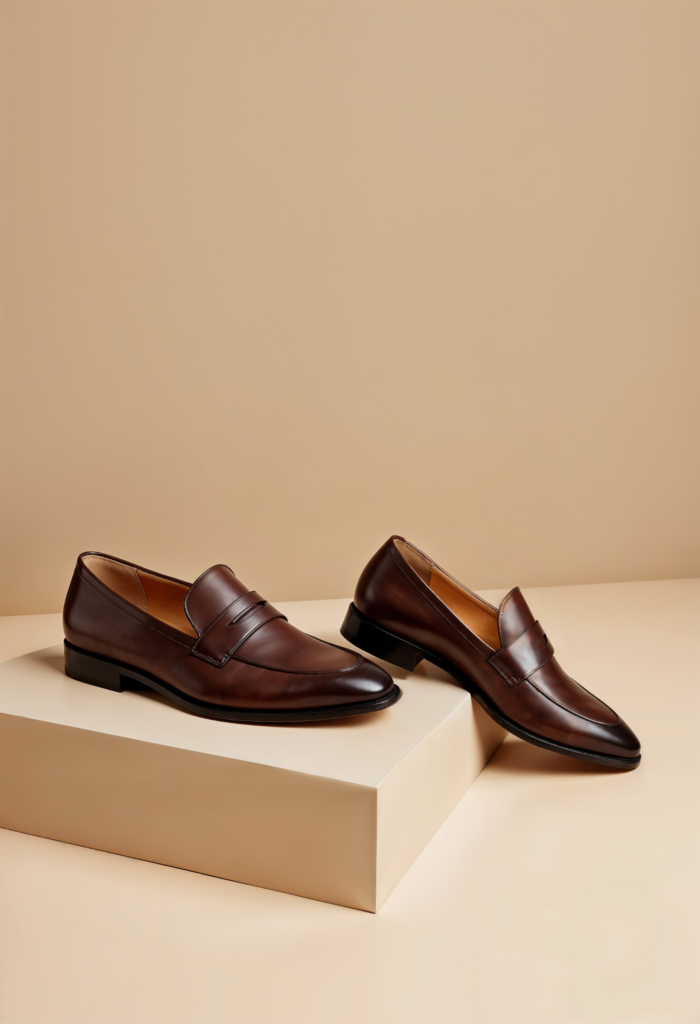
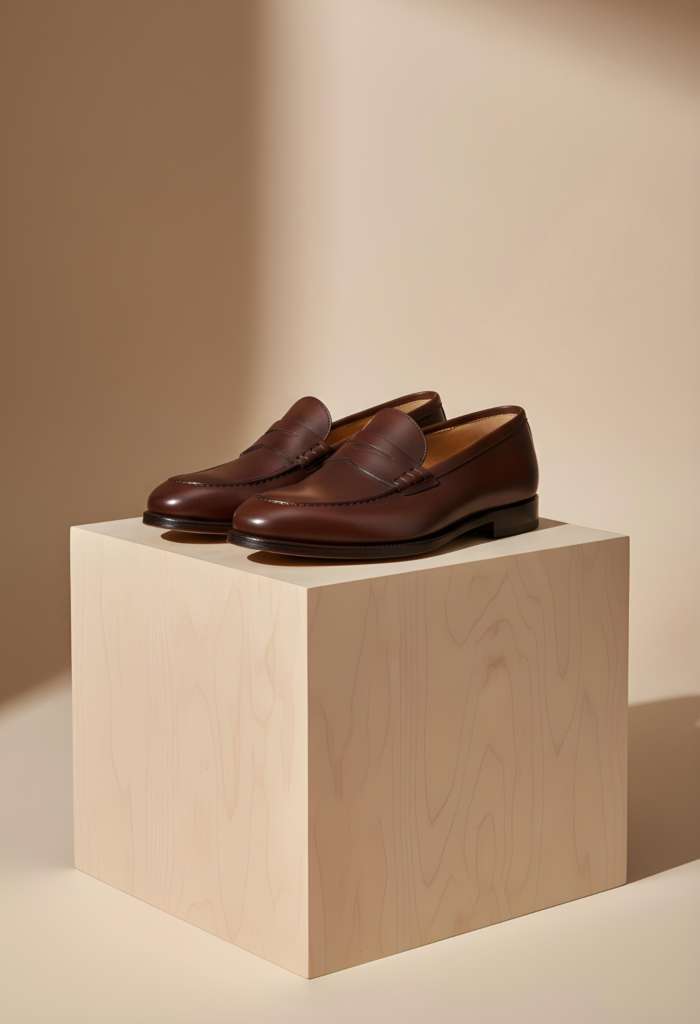
What Is Product Image Localization?

Product image localization is the process of adapting product visuals for a specific country, region, language, or marketplace.

It may include:

  • Translating text inside images.

  • Changing measurement units.

  • Replacing lifestyle backgrounds.

  • Adjusting model representation.

  • Modifying image layouts for local languages.

  • Showing region-specific product versions.

  • Updating packaging or labels.

  • Adapting colors and visual themes.

  • Creating marketplace-specific image sets.

  • Adding local compliance or certification information.

Translation changes words, while localization changes the complete visual communication. For example, an infographic may need more than translated text. Its layout, reading direction, icons, measurements, and visual hierarchy may also need adjustment.

Key Elements to Customize

1. Translate text inside product images

If your product images contain text, infographics, product benefits, instructions, or promotional messages, the text should be adapted for the target market.

Avoid placing English text on images intended for customers who primarily shop in another language. Translate:

  • Product features.

  • Usage instructions.

  • Care information.

  • Size charts.

  • Product benefits.

  • Safety information.

  • Warranty details.

  • Promotional callouts.

  • Ingredient or material information.

A direct word-for-word translation may not always be suitable. Local language experts should review the text for grammar, tone, terminology, and cultural meaning.

Text translation is especially important for marketplace images. For example, localized image text may be expected or preferred across regional storefronts, while Japanese listings may require Japanese-language graphics and right-to-left languages may require a completely different layout.

2. Adapt measurement units

Measurement systems vary between countries. A product image showing only inches may confuse customers in markets that commonly use centimeters. Similarly, pounds, ounces, Fahrenheit, and feet may need conversion for other audiences.

Consider adapting:

  • Product dimensions.

  • Clothing measurements.

  • Shoe sizes.

  • Weight.

  • Capacity.

  • Temperature.

  • Length and width.

  • Furniture dimensions.

  • Packaging quantity.

For example, a furniture graphic may display dimensions in both centimeters and inches, depending on the market. Apparel images may require local size conversions such as US, UK, EU, or Asian sizing.

Ensure that converted measurements are accurate. Incorrect size information can lead to customer dissatisfaction and product returns.

3. Customize models and people

Lifestyle images often perform better when shoppers can relate to the people shown using the product. A model who appears appropriate for one market may not represent the cultural expectations of another.

Depending on the product and target audience, consider adapting:

  • Skin tone.

  • Age group.

  • Clothing style.

  • Hairstyles.

  • Body representation.

  • Family structure.

  • Model gender.

  • Religious or cultural clothing.

  • Local lifestyle settings.

This does not mean changing every image for every country. Instead, prioritize markets where model representation strongly affects product relevance, such as fashion, beauty, healthcare, home products, and personal care.

Use realistic localization rather than stereotypes. The goal is to help customers imagine themselves using the product, not to create exaggerated cultural portrayals.

4. Modify lifestyle backgrounds

A product may be used differently across markets. A kitchen appliance, furniture item, beauty product, or fashion accessory can be shown in regionally familiar surroundings.

You may adapt:

  • Home interiors.

  • Architecture.

  • Interior design styles.

  • Outdoor environments.

  • Seasonal settings.

  • Dining arrangements.

  • Clothing and accessories.

  • Local events or occasions.

For instance, a home décor brand may use different interior styles for Scandinavian, Middle Eastern, Indian, or North American audiences. The product should remain the central focus, while the background creates a familiar context.

Background replacement and compositing can help brands create localized visuals without arranging a separate photoshoot for every market.

5. Consider color and cultural meaning

Colors can communicate different emotions and meanings across cultures. A color associated with celebration in one region may represent mourning, caution, or spirituality in another.

Review the use of:

  • Background colors.

  • Text colors.

  • Buttons and callouts.

  • Promotional banners.

  • Packaging visuals.

  • Seasonal graphics.

  • Clothing colors.

  • Decorative elements.

Cultural interpretation can be complex, so involve local reviewers when preparing important campaigns. Shopify notes that visual elements such as colors, sizing, language direction, and address formats may require regional adaptation.shopify

Do not change the product’s actual color inaccurately. Product color correction should preserve the real appearance of the item. Cultural adaptation should usually focus on the surrounding design rather than misrepresenting the product itself.

6. Show regional product variants

Some products differ by market. Electronics may have different plugs and voltage requirements. Clothing may follow different size standards. Cosmetics may have region-specific shades or ingredient requirements.

Create image variants that clearly show:

  • Local plug types.

  • Voltage information.

  • Region-specific packaging.

  • Local labels.

  • Compatible accessories.

  • Available colors.

  • Size options.

  • Country-specific product bundles.

  • Certification marks where appropriate.

Showing the correct version helps prevent customers from ordering products that are incompatible with their location.

7. Adapt packaging and labels

Packaging is an important part of product presentation. International markets may require different languages, ingredients, warnings, symbols, or regulatory information.

Before publishing packaging images, verify:

  • The language on the label.

  • Ingredient details.

  • Warning statements.

  • Certification symbols.

  • Recycling information.

  • Country-specific instructions.

  • Product claims.

  • Legal disclaimers.

Do not digitally replace packaging text without verifying that the localized version is legally accurate. Edited images must represent the packaging customers will actually receive.

8. Customize visual hierarchy

Languages do not always occupy the same amount of space. Translated text may become longer or shorter than the original copy. Some languages also use different reading directions.

When adapting image graphics, review:

  • Text size.

  • Line breaks.

  • Alignment.

  • Icon placement.

  • Reading order.

  • Image balance.

  • White space.

  • Callout positioning.

  • Mobile readability.

For right-to-left languages, simply placing translated text into a left-to-right design may create an unnatural layout. Rebuild the graphic so the visual flow feels natural to local users.
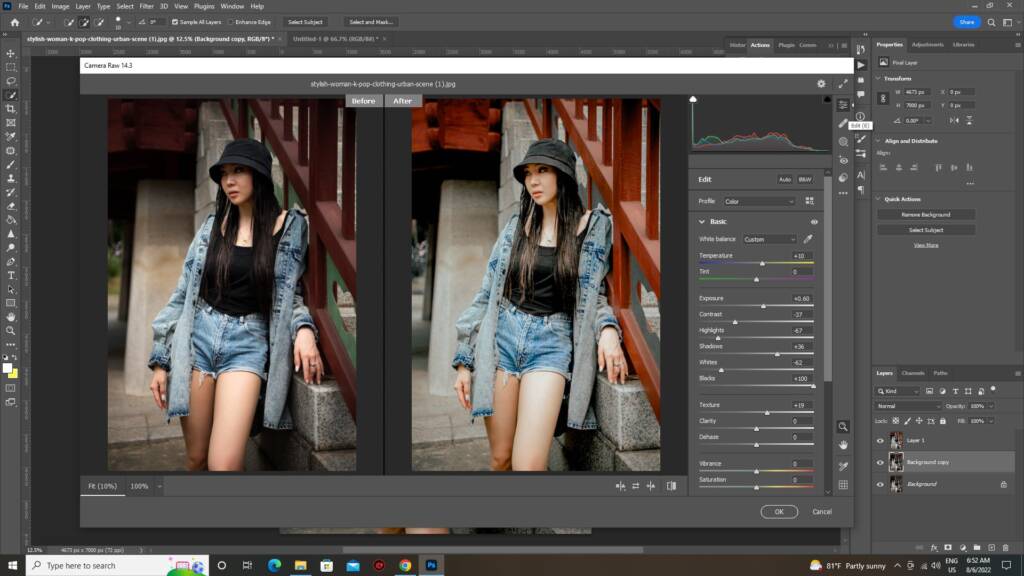
Marketplace-Specific Image Customization

Each marketplace may have its own image rules. A single image set may not work across every platform.

Before editing, check:

  • Main image background requirements.

  • Required image dimensions.

  • File size limits.

  • Accepted formats.

  • Number of images allowed.

  • Text and logo restrictions.

  • Product coverage requirements.

  • Lifestyle image rules.

  • Infographic policies.

  • Mobile display behavior.

For example, Amazon’s main image guidelines generally require the product to appear on a pure white background without promotional text or additional objects. Secondary images can provide lifestyle scenes, product details, size information, and usage examples.

Marketplace-specific content is also important because platforms have different audiences, search behavior, and content rules. High-quality, tailored product imagery can improve the shopping experience and help reduce returns.

“Great product photography is not an expense. It is an investment in customer confidence.”

Main Image and Secondary Image Strategy

Main image

The main image should clearly display the exact product being sold. It should be simple, accurate, and compliant with the relevant marketplace rules.

Generally, the main image should:

  • Show the complete product.

  • Use a clean background where required.

  • Avoid unnecessary props.

  • Avoid misleading enhancements.

  • Display the correct product variant.

  • Use sufficient resolution.

  • Preserve accurate color and shape.

Secondary images

Secondary images can provide more context and persuasive information. Consider including:

  • Alternate product angles.

  • Close-up details.

  • Product-in-use images.

  • Size and dimension graphics.

  • Feature callouts.

  • Material and texture views.

  • Packaging images.

  • Comparison charts.

  • Care or usage instructions.

  • Localized lifestyle scenes.

Create separate versions of graphics containing text or measurements for each target market.

A Step-by-Step Localization Workflow

Step 1: Select target markets

Do not localize every image immediately. Start by identifying the markets with the strongest sales potential, traffic, customer interest, or marketplace opportunity.

Review:

  • Website traffic by country.

  • Conversion rates.

  • Product demand.

  • Customer questions.

  • Return reasons.

  • Marketplace performance.

  • Shipping feasibility.

  • Local competition.

Market research helps determine where visual localization will create the greatest business value.

Step 2: Audit existing product images

Review your current image library and identify assets that require adaptation.

Check whether images contain:

  • English text.

  • Local measurements.

  • Region-specific packaging.

  • Unfamiliar models.

  • Culturally sensitive backgrounds.

  • Inaccurate product variants.

  • Marketplace noncompliance.

  • Poor mobile readability.

Classify each asset as:

  • Ready to use globally.

  • Requires minor editing.

  • Requires full localization.

  • Requires new photography.

Step 3: Create a high-quality master image

Start with a high-resolution master image that has:

  • Accurate lighting.

  • Clean product edges.

  • Natural shadows.

  • Correct color.

  • High image resolution.

  • Neutral composition.

  • Sufficient space for cropping.

  • No unnecessary text or graphics.

A flexible master asset makes it easier to create multiple regional versions without reshooting the product.

Step 4: Prepare a localization brief

The brief should include:

  • Target country or region.

  • Target language.

  • Marketplace or sales channel.

  • Required dimensions.

  • Background specifications.

  • Local measurement units.

  • Model requirements.

  • Approved terminology.

  • Cultural considerations.

  • File naming structure.

  • Delivery deadline.

Include examples of approved visuals to reduce misunderstanding between your brand team and editing provider.

Step 5: Create localized variants

Adapt the images according to the brief. This may involve:

  • Replacing image text.

  • Changing backgrounds.

  • Adding regional size charts.

  • Editing models.

  • Showing local product versions.

  • Adjusting layouts.

  • Creating platform-specific crops.

  • Exporting multiple file formats.

Keep the main product consistent across all variants so the brand remains recognizable.

Step 6: Complete local quality review

A native speaker or local market reviewer should inspect the images before publication.

Review:

  • Translation accuracy.

  • Cultural appropriateness.

  • Measurement conversions.

  • Model representation.

  • Product claims.

  • Packaging accuracy.

  • Visual balance.

  • Marketplace compliance.

  • Mobile readability.

Automated tools can speed up production, but human review remains important for cultural context, language nuance, and brand accuracy.

Step 7: Upload and monitor performance

Publish the localized images on the correct regional storefront or marketplace. Use organized file names and asset folders so each image is assigned to the right market.

Track:

  • Click-through rate.

  • Product page engagement.

  • Add-to-cart rate.

  • Conversion rate.

  • Return rate.

  • Customer questions.

  • Image-related complaints.

  • Marketplace ranking.

Use performance data to improve future image variants.

Common Mistakes to Avoid

Using one image set for every country

A global brand identity does not require identical images in every market. Reusing one image set without considering local expectations can make the product feel unfamiliar or irrelevant.

Translating text without redesigning the layout

Translated text may not fit the original design. Crowded text, poor line breaks, and incorrect reading direction can make the graphic look unprofessional.

Ignoring marketplace requirements

An attractive image can still be rejected if it violates platform rules. Always create a marketplace-specific checklist before editing.

Changing product colors inaccurately

Do not adapt colors based on cultural preferences if doing so misrepresents the actual item. Accurate product representation should remain a priority.

Using automated translation without review

Machine translation may produce incorrect terminology, unnatural wording, or culturally inappropriate phrases. Have the final text reviewed by a native speaker or qualified translator.

Using stereotypes in lifestyle imagery

Localization should reflect real customers without relying on exaggerated or inaccurate cultural symbols.

Forgetting mobile users

Many international shoppers browse through mobile devices. Check whether text, icons, product details, and size charts remain readable on smaller screens.

Failing to update all image versions

If a product changes packaging, size, color, or accessories, update the localized image set as well. Outdated visuals can create customer confusion and increase returns.

How Mubytech Can Support Global Product Image Editing

Mubytech offers photo editing, cutout, retouching, and product catalog management services for eCommerce businesses. These services can support international product image workflows by helping brands prepare clean, consistent, and platform-ready visuals.mubytech

A global image editing workflow may include:

  • Background removal.

  • Product retouching.

  • Clipping path creation.

  • Color correction.

  • Shadow and reflection editing.

  • Ghost mannequin editing.

  • Image resizing.

  • Background replacement.

  • Infographic adaptation.

  • Marketplace-specific exports.

  • Bulk image processing.

When working with an editing partner, provide clear market-specific instructions and approve sample images before processing the full catalog.

Example: Localizing a Fashion Product

Imagine a fashion brand selling the same jacket in the United States, Germany, India, and Japan.

The brand could create:

  • US images with inches and US sizes.

  • German images with centimeters and EU sizing.

  • Indian images with locally relevant size information and lifestyle styling.

  • Japanese images with Japanese-language graphics and mobile-friendly layouts.

The jacket itself remains unchanged, but the surrounding information and presentation become easier for each audience to understand.

The brand can use one high-quality master image and create localized variants through professional editing. This is more efficient than organizing a completely new photoshoot for every country.

Final Checklist

Before publishing localized product images, confirm that:

  • The product is accurately represented.

  • The correct regional variant is shown.

  • Image text is translated and reviewed.

  • Measurements use the appropriate units.

  • The model and lifestyle setting suit the target market.

  • Packaging and labels are accurate.

  • Colors remain realistic.

  • The design supports the local reading direction.

  • Images follow marketplace rules.

  • Files meet the required dimensions and formats.

  • Alt text and file names are localized where appropriate.

  • Images are readable on mobile devices.

  • A local reviewer has approved the final assets.

“When product images communicate quality, customers respond with confidence.”

Conclusion

Customizing product images for international eCommerce sales helps brands create a more familiar and trustworthy shopping experience across markets. Effective localization includes more than translating words. It involves adapting language, measurements, models, backgrounds, packaging, colors, layouts, product variants, and marketplace formats.

The best approach is to create a flexible master image, research each target market, prepare a clear localization brief, produce regional variants, and complete a local quality review before publishing.

With a structured product image localization workflow, international retailers can maintain brand consistency while making their visuals more relevant to customers around the world. This can improve product understanding, support marketplace performance, and help reduce avoidable returns.


Get in Touch with MubyTech

Have a project in mind or need professional photo editing support?
Get in touch with MubyTech to discuss your requirements, timelines, and goals.

Our team responds quickly and works closely with brands to deliver reliable, high-quality photo editing and visual solutions.. Fill out the form below or reach us directly using the contact details provided.

By MubyTech
Global Image Editing Partner