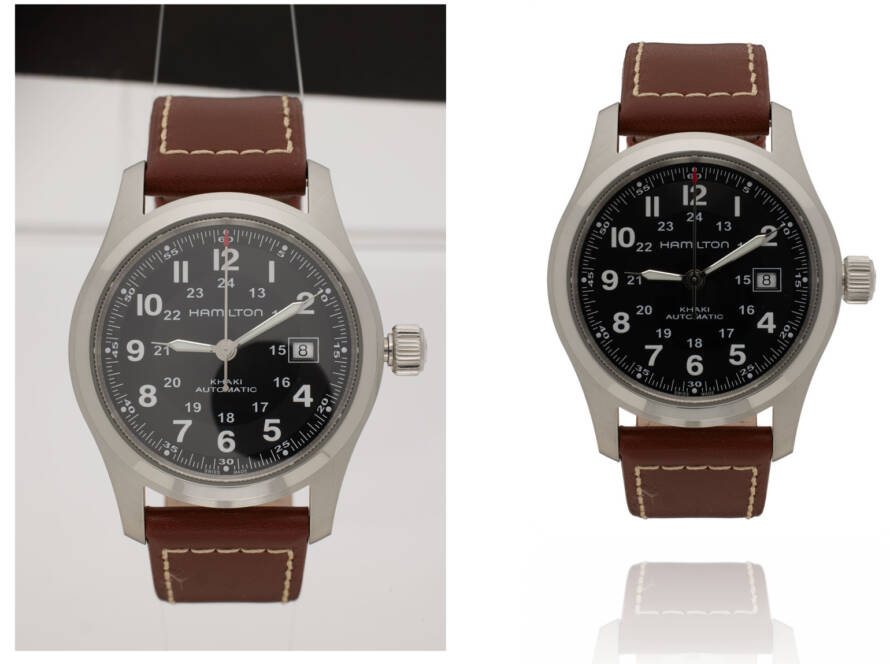


For eCommerce brands, Q4 is more than another quarter.
It brings some of the biggest shopping moments of the year—from holiday shopping and Black Friday to Cyber Monday and end-of-year campaigns.
At the same time, product volumes increase, campaign deadlines become tighter, and customers have more brands competing for their attention.
This is exactly when some brands make a costly mistake:
They start cutting corners on product imagery.
Maybe images are rushed through editing. Maybe quality checks are reduced. Maybe inconsistent images are published simply because the campaign deadline is approaching.
It may save time in the short term.
But during Q4, those shortcuts can become much more expensive.
Why Product Imagery Matters More in Q4
During the holiday season, customers are exposed to an enormous amount of promotional content.
Your product image may appear:
- On your website
- In email campaigns
- On marketplaces
- In paid advertisements
- On social media
- In shopping feeds
Your imagery has to compete for attention across all these channels.
A strong product image can immediately communicate:
Quality. Confidence. Relevance. Value.
A poorly presented image can do the opposite.
And when customers have plenty of alternatives, small visual problems can make a difference.
1. Q4 Leaves Less Room for Mistakes
During normal periods, an image that needs a correction may not create a major problem.
During Q4, it can.
A single delayed image can affect:
Retouching → Approval → Product Page → Campaign → Launch
Now multiply that by hundreds or thousands of images.
A small editing backlog can quickly become a campaign bottleneck.
That’s why Q4 preparation should focus on having a reliable image production workflow, rather than simply trying to edit faster at the last minute.
Q4 is not the time to experiment with your product imagery. It is the time to make every visual count.
2. More Products Mean More Pressure on Your Workflow
Q4 often brings new collections, seasonal products, promotional bundles, and campaign variations.
That means your team may suddenly be dealing with much higher image volumes.
For example:
1,000 products × 4 images = 4,000 images
If those images require:
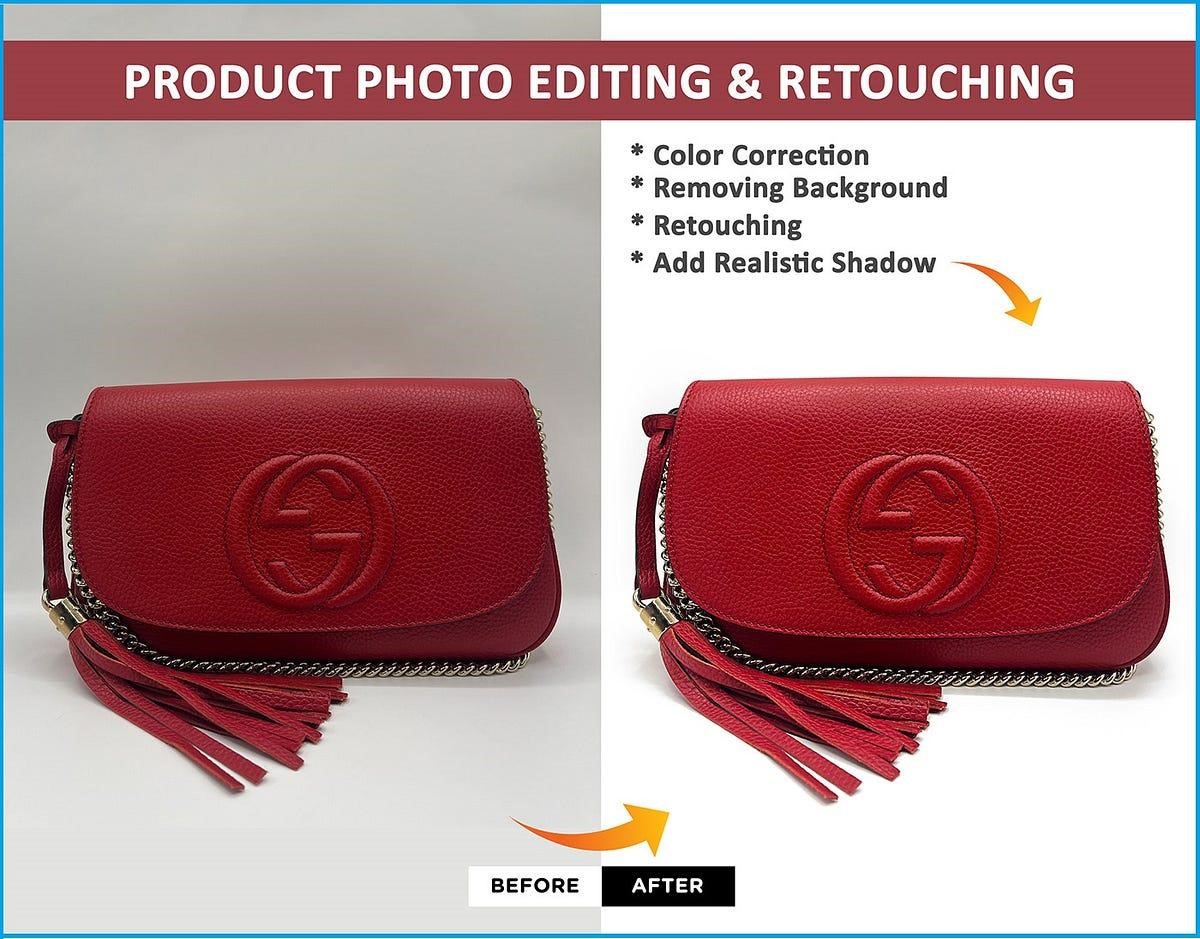
- Background removal
- Retouching
- Color correction
- Shadow creation
- Resizing
- Quality control
the workload can become significant.
The challenge isn’t simply completing the edits.
It’s maintaining the same quality across the entire batch.
3. Consistency Becomes More Important
Imagine a customer clicks from your holiday advertisement to your website.
The advertisement uses polished seasonal imagery.
But the product page contains inconsistent crops, colors, backgrounds, and image quality.
That creates a disconnected experience.
During Q4, brands should make sure their visuals remain consistent across:
Website + Marketplace + Email + Social + Advertising
The customer should feel like they’re interacting with the same brand everywhere.
4. Cutting Retouching Quality Can Affect Product Perception
When deadlines get tight, brands may be tempted to reduce editing requirements.
But rushed retouching can result in:
- Uneven backgrounds
- Visible distractions
- Incorrect colors
- Poor masking
- Artificial-looking skin
- Inconsistent shadows
- Product details being lost
These issues may appear small individually.
Together, they can make a catalog feel less polished.
For fashion and premium brands especially, visual quality is part of perceived product value.
5. Don’t Let Speed Come at the Cost of Accuracy
Q4 requires speed.
But speed alone isn’t the goal.
Imagine receiving 5,000 edited images quickly, only to discover that hundreds require corrections.
Your team now has to:
Review → Find Errors → Send Feedback → Wait for Revisions → Recheck
The faster workflow is no longer faster.
That’s why a good Q4 process should balance:
Speed + Quality + Quality Control
Automation and AI can help accelerate repetitive editing tasks, while human review can remain important for complex products and brand-sensitive imagery.
AI-assisted image editing workflows
6. Prepare Your Retouching Workflow Before Q4
The best time to solve a Q4 image bottleneck is before Q4 pressure arrives.
Start by identifying:
- Expected image volume
- Upcoming campaigns
- Editing requirements
- Required turnaround times
- Quality standards
- Approval process
- Backup capacity
Then determine which work should remain in-house and where additional post-production capacity may be needed.
A scalable workflow could look like:
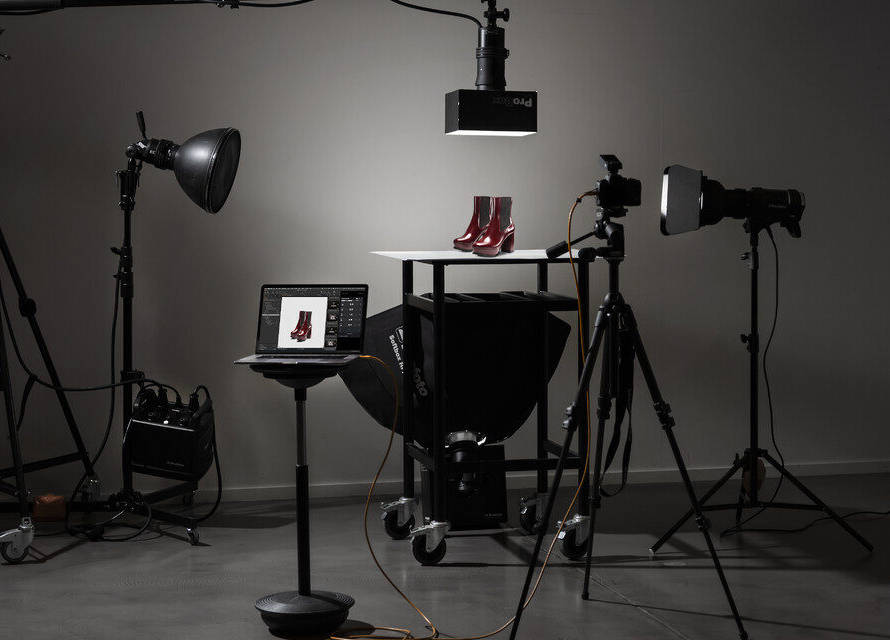
Photography
↓
Image Upload
↓
Retouching
↓
Quality Control
↓
Approval
↓
E-commerce / Marketing
This gives your team a defined process instead of relying on last-minute fixes.
What MubyTech Recommends
At MubyTech, we believe Q4 image production should be treated as a capacity and consistency challenge, not simply an editing challenge.
Brands should prepare their image workflow before campaign volume peaks.
Our approach combines professional retouching, scalable production, AI-assisted workflows where appropriate, and human quality control.
This allows brands to handle high-volume requirements while keeping their product imagery consistent and accurate.
Whether you need:
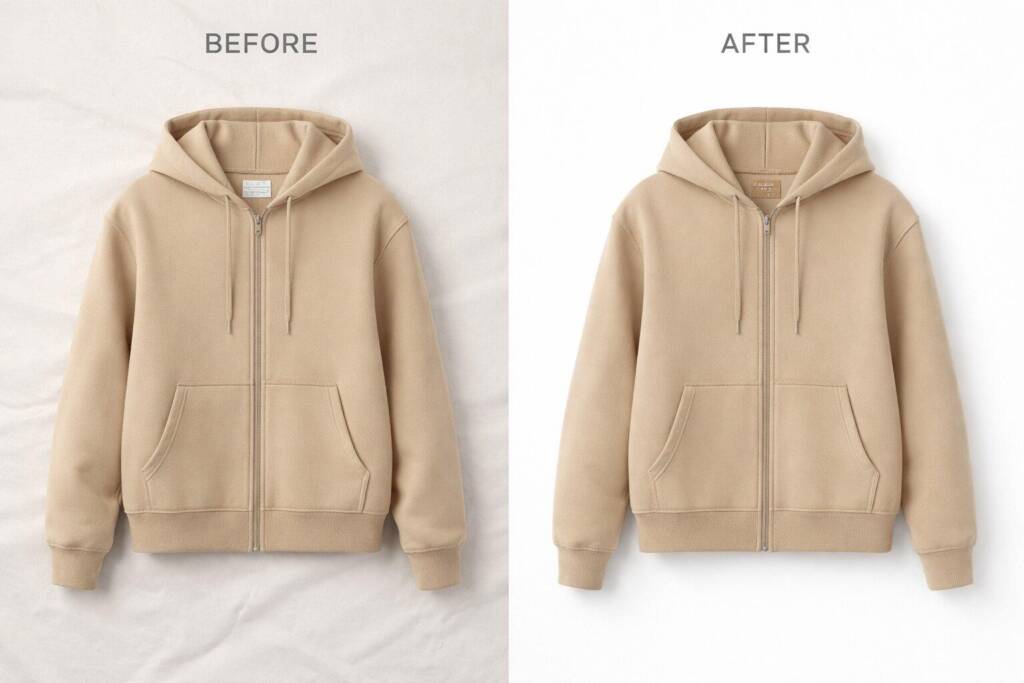
- Background removal
- Product retouching
- Fashion retouching
- Ghost mannequin
- Color correction
- High-volume image editing
- Catalog image processing
the workflow should be designed around your campaign requirements.
Final Thoughts
Q4 is when your product imagery has to work hardest.
More products.
More campaigns.
More competition.
More customers.
More deadlines.
That’s why this isn’t the right time to cut corners.
Instead, it’s the time to make sure your image workflow is prepared, scalable, and consistent.
Because when thousands of customers are deciding what to click, explore, and buy, every product image has a job to do.
Don’t let a rushed image workflow become your Q4 bottleneck.
FAQs
By standardizing file management, automating repetitive tasks, implementing structured review processes, and partnering with experienced image editing professionals.
It reduces production delays, improves collaboration, ensures consistent branding, and speeds up product launches.
Common bottlenecks include manual file management, multiple revision cycles, inconsistent editing, and unstructured approval processes.
Professional editing ensures accurate colors, consistent quality, faster approvals, and marketplace-ready images.